Wi-Fi for remote work in Fuerteventura: what to expect
Published on · 4 min read
Wi-Fi for remote work in Fuerteventura is the question every remote worker asks us before booking, usually right after "is it windy?". The honest answer: the island is not the problem, the building is. Two flats on the same street can have very different connections, so the useful thing is not an island average but a way to check the place you are going to.
We run a surf house with a coworking in Corralejo, so we will tell you what we measured at ours, how to test any other place, and how to keep working when a connection drops.
In short
- Speed depends on the place you stay or work, not on the island as a whole.
- Our latest test (18 November 2026): 516.5 Mb/s download and 113.7 Mb/s upload.
- Ask for a recent speed test before you book, and run your own on day one.
- Keep a backup: mobile data on your phone is the simplest one.
- For calls, quiet matters as much as speed.
What speed do you need?
Most remote work needs less than people think. As a rough guide:
- Email, docs, messaging: almost any working connection.
- Video calls: a stable connection matters more than a huge number. Upload speed and latency are what make a call freeze.
- Large uploads (video, design files, backups): this is where a fast connection really saves you time.
So when you ask a place about its Wi-Fi, ask for download, upload and ping, not just one number.
Wi-Fi for remote work in Fuerteventura: what we measured
Our latest speed test at Coco, on 18 November 2026, gave 516.5 Mb/s download and 113.7 Mb/s upload. An earlier measurement gave 440 Mb/s download. These are single tests: speeds change with the time of day and with how many people are online, so please run your own when you arrive. We will add more dated measurements here, at different times of day.
What else the coworking has, so you can judge the whole setup:
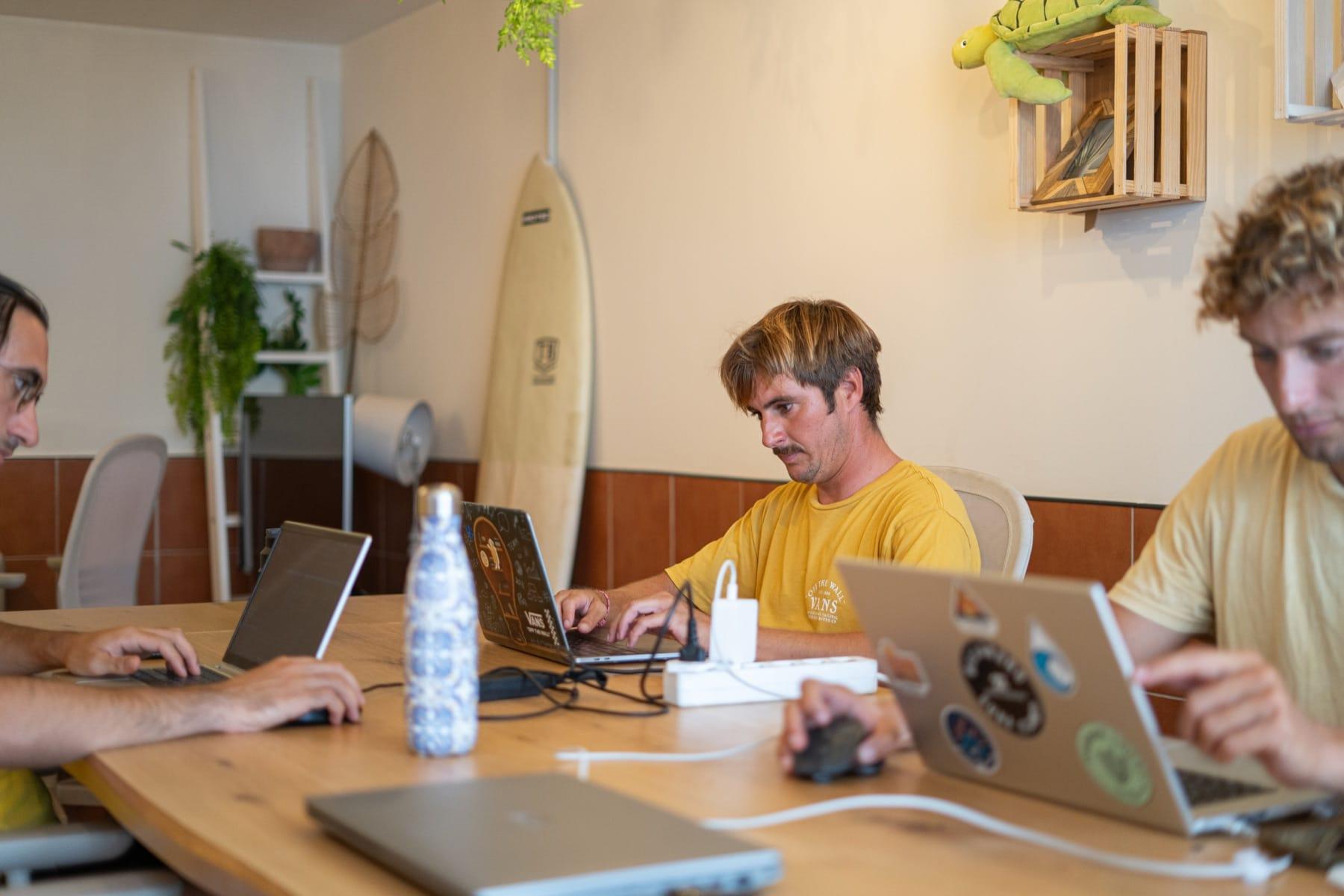
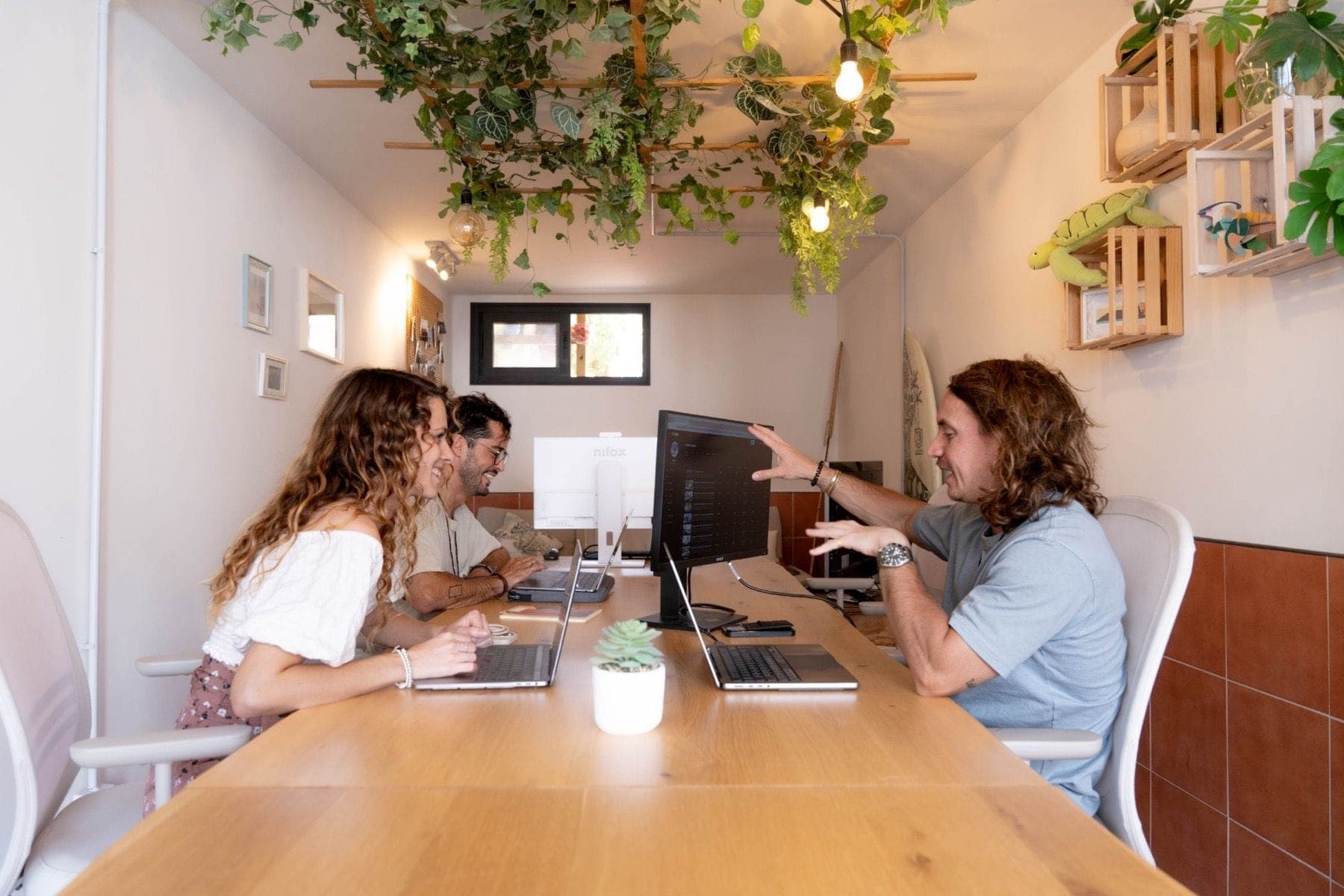
- An indoor coworking room and an outdoor area.
- Extra monitors you can plug your laptop into.
- Free coffee and tea.
- Open Monday to Saturday, 7:00 to 19:00; closed on Sundays.
- For guests staying at the house only.
- No phone booths: calls are fine if you keep your voice down.
How to test a place before you commit
Whether you stay with us or anywhere else, this takes five minutes and saves a bad month:
- Ask for a recent screenshot of a speed test from the room or the workspace, with the date. A number on a listing is marketing; a dated screenshot is evidence.
- Ask where the router is. A fast connection in the living room can be weak in a back bedroom.
- Book a short first stay if you are planning a long one, or check the cancellation terms.
- Test on arrival with Speedtest or a similar tool, at the time of day you usually have calls.
- Make a test call on the first day, before an important one.
If you are choosing between coworking spaces in town, our guide to Corralejo coworking has eight questions to ask any space.
Your backup plan
Any connection can fail: a router restart, a storm, a busy evening. The people who never miss a call have a backup:
- Mobile data. The Canary Islands are part of the EU, so EU SIM cards can use EU roaming rules ("roam like at home"), within the fair-use limits of your plan. With a SIM from outside the EU, check your provider's terms or get a local SIM.
- Hotspot from your phone. Test it before you need it.
- A plan B place. Know where you would go if your connection dropped before a call.
Your setup: power, screens and a decent chair
Speed is only part of a good remote-work setup. A few things that make a long day easier:
- Plugs. Spain uses the European two-pin plugs (types C and F) at 230 V. If your charger is from the UK or the US, bring an adapter, and a short extension lead if you use several devices.
- A screen at eye level. A laptop stand or an external monitor saves your neck after a week. At our coworking there are extra monitors you can plug into.
- Headphones with a microphone. In any shared space they matter more than the connection.
- Light and heat. Sunny terraces are lovely for an hour and hard on a screen all day: work in the shade and keep water close.
Calls: quiet matters too
A fast connection does not help if there is a blender behind you. In a shared house or coworking, put on headphones, keep your voice down and pick the quietest corner. If your job is on video all day, ask any place whether it has a private room for calls: ours does not have phone booths, and we would rather tell you before you book.
Conclusion
Wi-Fi for remote work in Fuerteventura is good where the place takes it seriously, and the only way to know is to test it. Ask for a dated speed test, check on arrival and carry a backup. For the rest of the remote-work picture, read how a surf and work day fits together in Corralejo, or see our coworking.
Quick answers
Is the internet in Fuerteventura good enough for video calls?
It can be, but it depends on the place, not the island. Ask for a recent speed test before you book and run your own on the first day.
How fast is the Wi-Fi at Coco Surfhouse?
Our latest test, on 18 November 2026, gave 516.5 Mb/s download and 113.7 Mb/s upload. Speeds vary with time and use, so test it yourself when you arrive.
Does EU roaming work in the Canary Islands?
The Canary Islands are part of the EU, so EU 'roam like at home' rules apply to EU SIM cards. If your SIM is from outside the EU, check your provider's terms.
Can I take calls in the Coco coworking?
Yes. There are no phone booths, so keep your voice down and be respectful of the people around you, or step outside.